
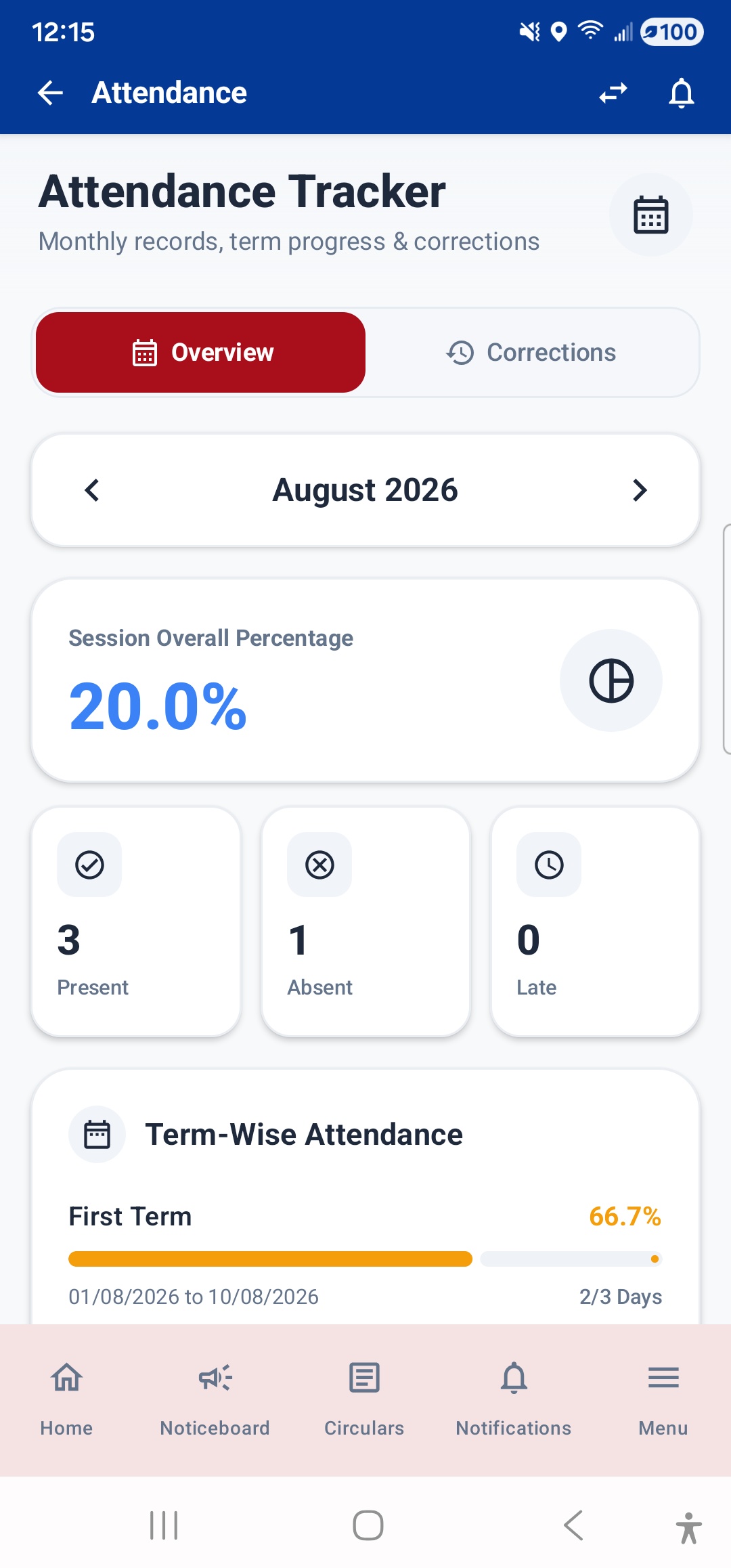
The Attendance module lets you track your school attendance. Open it from the Dashboard (tap the attendance stat card or widget) or from Menu → Academics → Attendance.
What You See
- Overall Attendance Percentage: A large circular progress indicator at the top shows your total attendance rate for the current session.
- Monthly Chart: A bar chart showing your attendance percentage for each month. This helps you spot trends — for example, if your attendance dropped in a particular month.
- Attendance Patterns: A breakdown showing which days of the week you are most frequently absent on. This can help identify patterns (e.g., regularly missing Mondays).
- Day-by-Day List: A scrollable list of individual days showing whether you were Present, Absent, Late, or on Leave for each school day.
Guardian View
If you are a guardian, the attendance shown is for the currently selected child. Use the child switcher in the top bar to view attendance for a different child.
---