
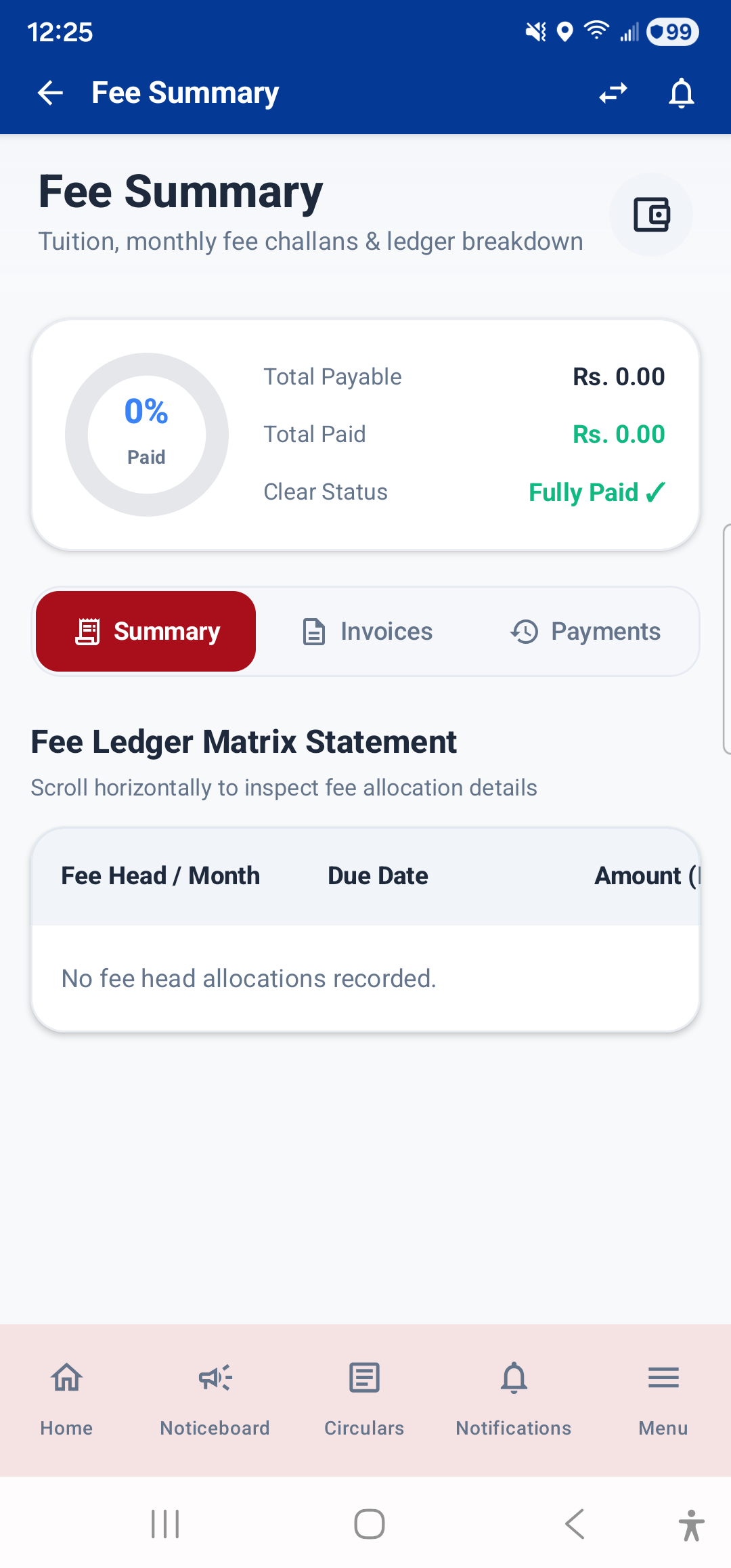
The Fees module lets you track all your fee-related information. Open it from the Dashboard (tap the "Fee Progress" widget or stat card) or from Menu → Fees → Fee Summary.
Fee Summary Screen
The Fee Summary screen is a comprehensive ledger showing:
- Total Fee: The total fee amount for the current session
- Paid Amount: How much has been paid so far
- Balance / Pending: The remaining amount to be paid
- Fee Ledger Matrix: A detailed statement showing each fee head (tuition, transport, exam fee, etc.) with the amount, concessions, paid amount, and balance for each
- Challans: A list of issued fee challans. Each challan shows the challan number, issue date, due date, and amount. Tap a challan to view or download it as a PDF.
- Payment History: A list of all payments made, with receipt numbers and dates. Tap any payment to view or download the official fee receipt PDF.
Fee Structure
Open Menu → Fees → Fee Structure to see the complete fee structure for your class. This shows all fee heads and their amounts for the current academic session, so you know exactly what you are being charged for.
---