
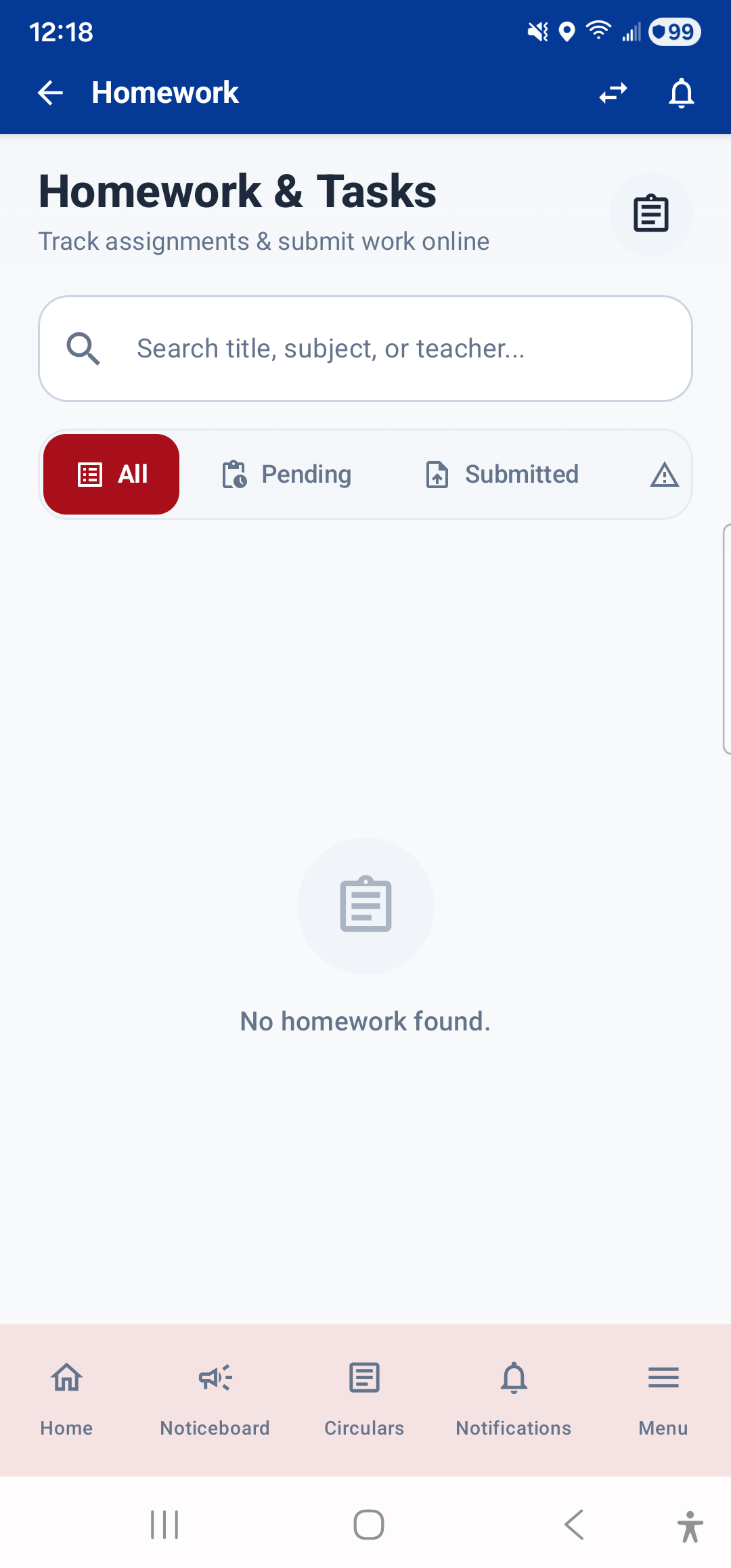
The Homework module shows all homework assignments assigned by your teachers. Open it from the Dashboard (tap the "Pending Homework" widget or stat card) or from Menu → Academics → Homework.
What You See
- Homework Cards: Each assignment is shown as a card with:
- Subject name and color-coded icon
- Title of the assignment
- Description with full instructions from the teacher
- Assigned date and due date
- Teacher's name
- Status badge: Pending, Submitted, or Graded
- Teacher Feedback: If the teacher has graded or commented on your homework, their feedback appears on the card.
Filtering
You may see tabs or filters to switch between Pending and Completed homework, so you can focus on what still needs to be done.
Attachments
If the teacher has attached a file (worksheet, reading material, etc.), you can tap it to view or download it directly within the app.
---